
Similar to previous entries in the series, GTA 6 allows the main character to use a smartphone. However, its features have been significantly expanded. Players can now browse social media, like posts, and read comments!
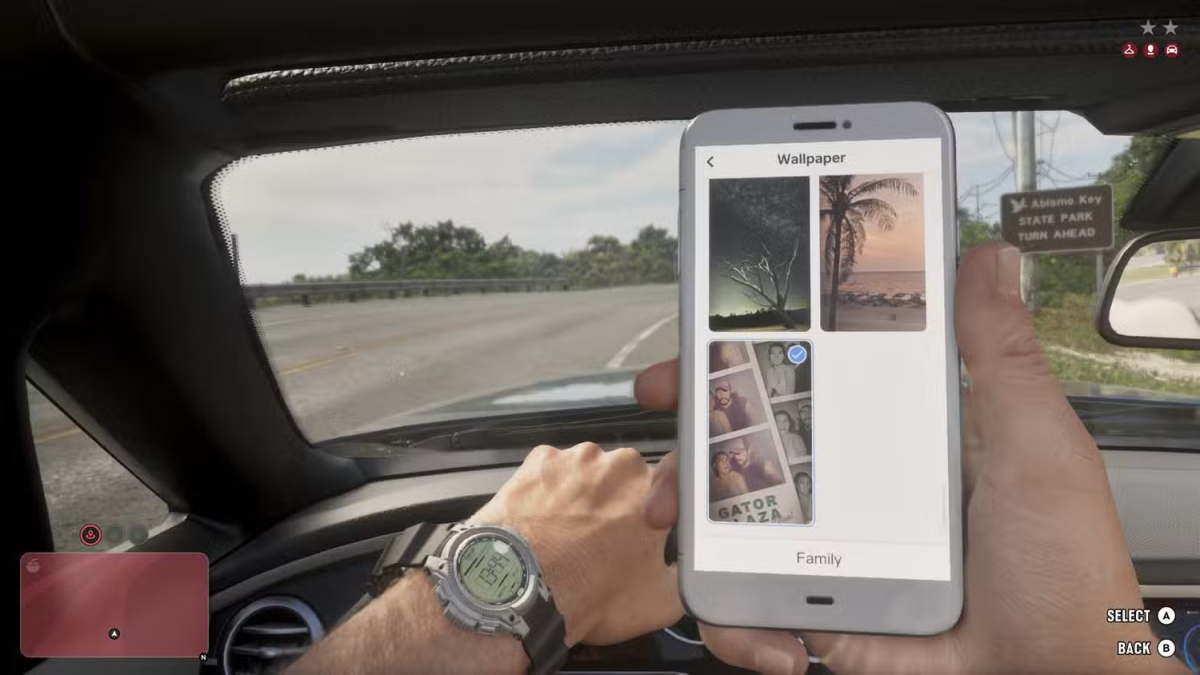
While using your phone is an important part of the game, you can also customize it to suit your preferences. In GTA 6, you can change both your phone’s ringtone and its wallpaper.
How to Change Your Phone’s Ringtone in GTA 6
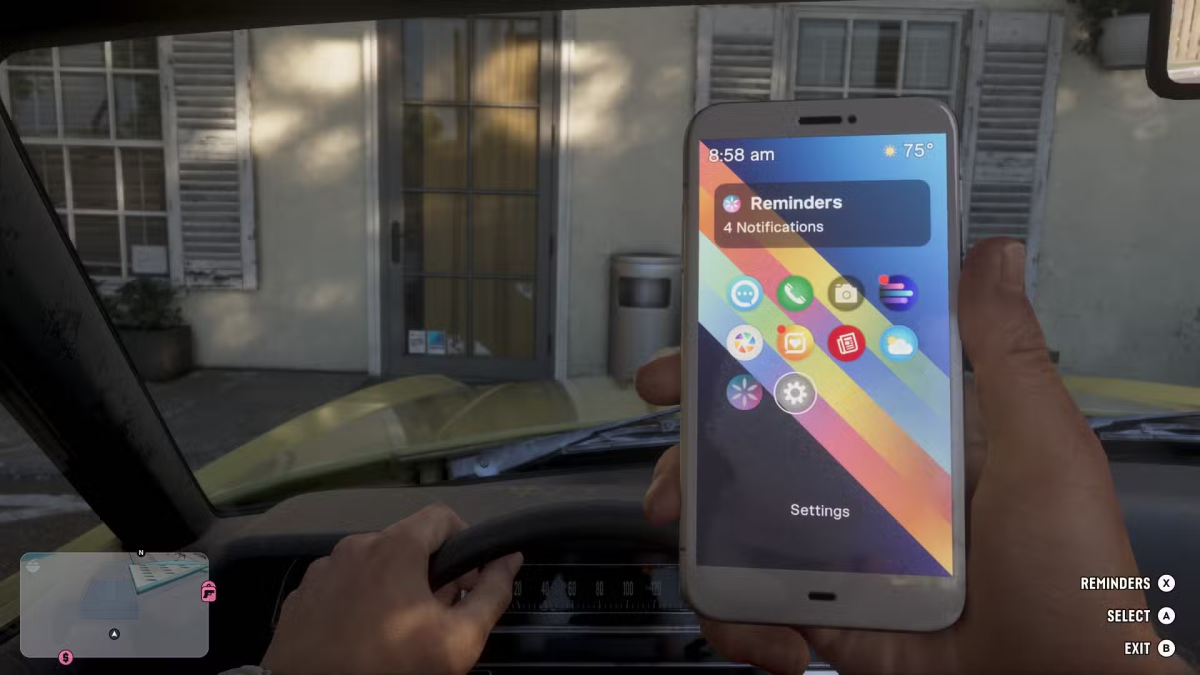
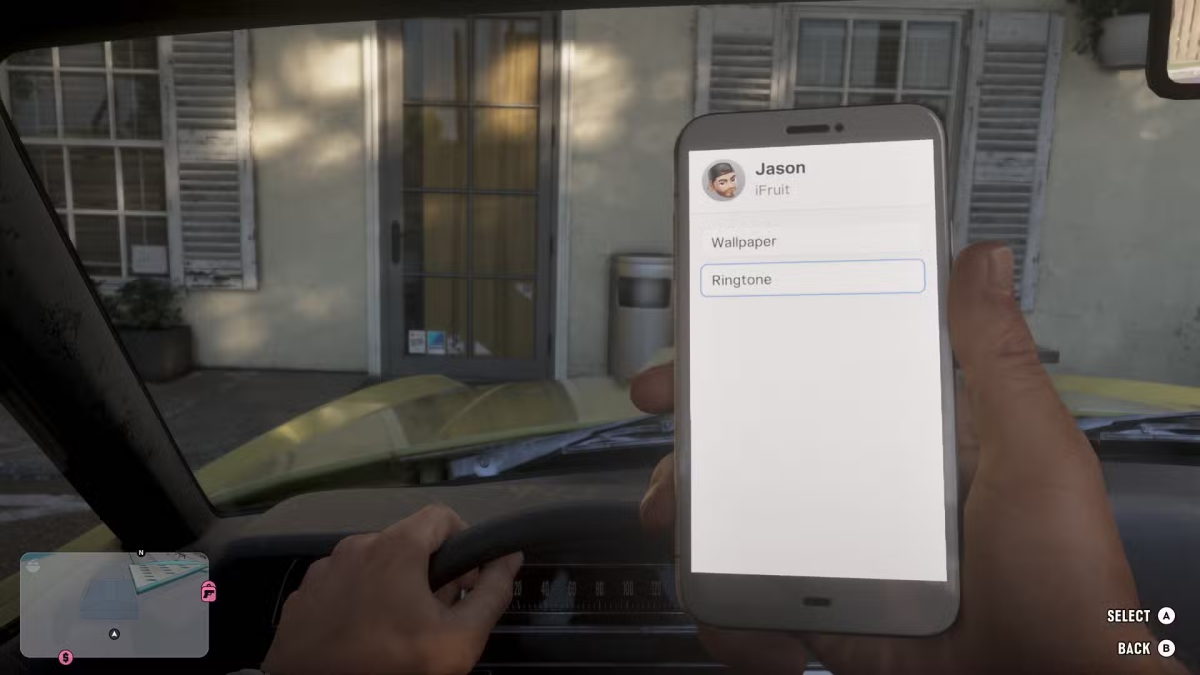
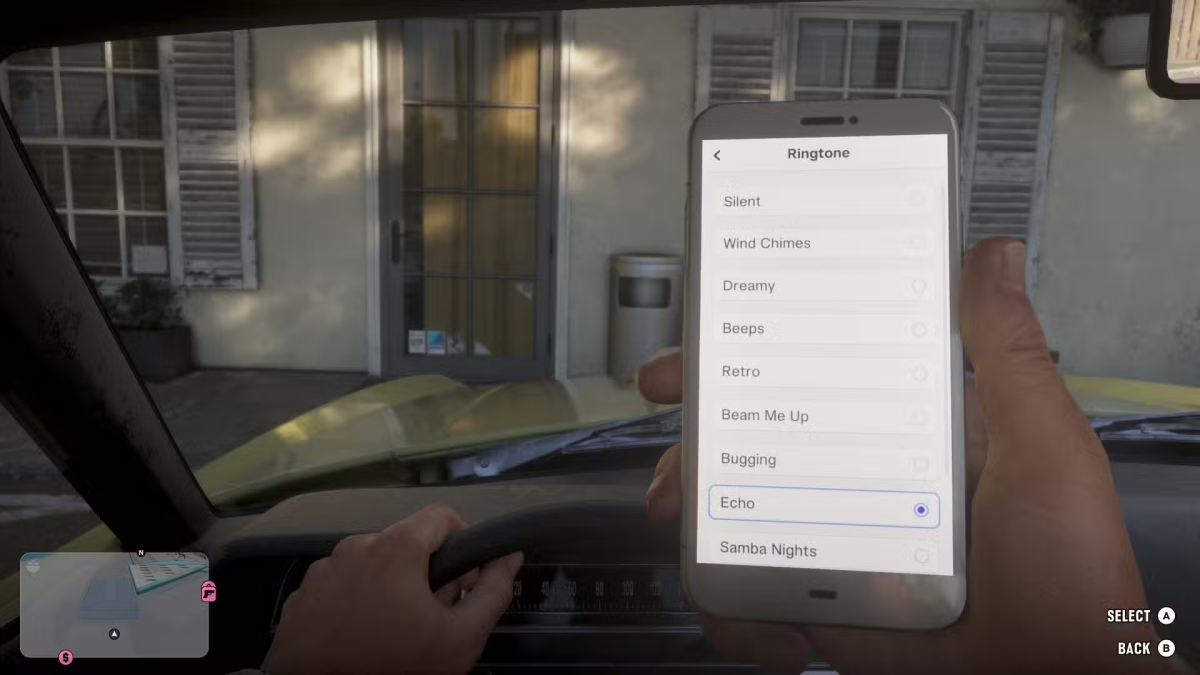
Press up on the D-pad to bring up your phone. Next, navigate to the gear icon to open the phone settings. Select Ringtone, and you will see a list of available options. Whichever ringtone you choose, your phone will play it once.
There aren't many options, but the selection is more diverse than the ringtones available in GTA 5. After all, your phone is going to ring quite often in GTA 6, especially before you finish the main story and side missions. So, it's worth choosing a ringtone you actually like.
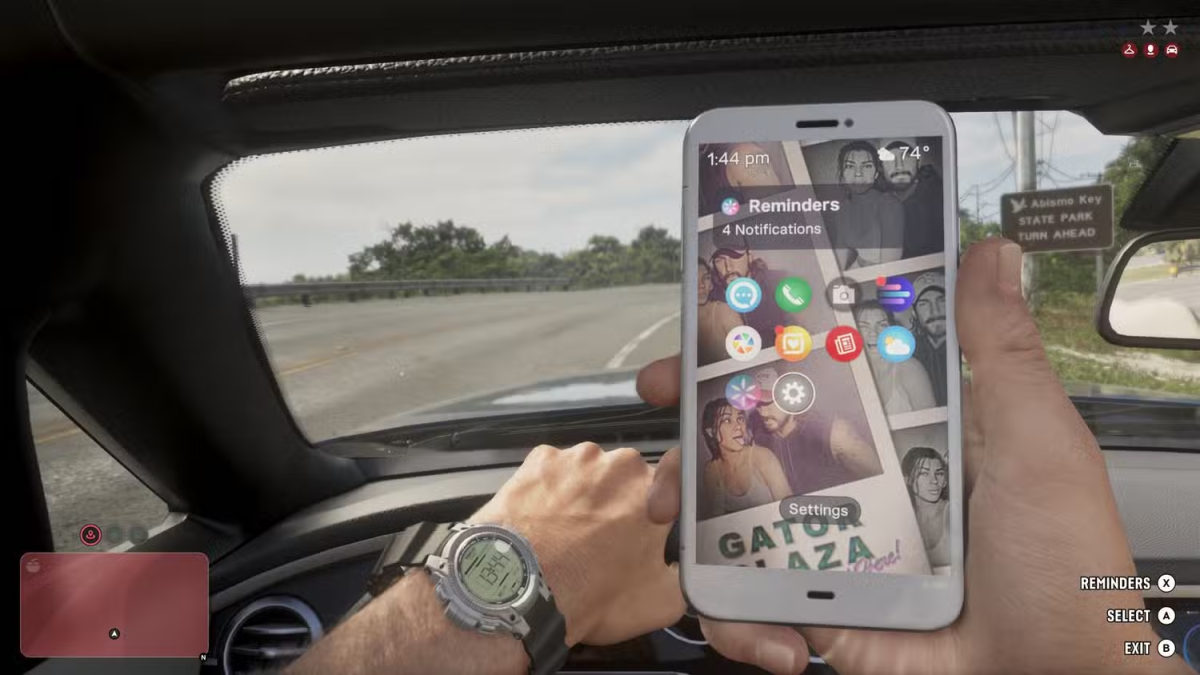
While you're in the settings menu, you can also change your phone's wallpaper. Most options are standard smartphone wallpapers similar to those found in real life. However, if you scroll all the way down, you'll find several beautiful landscape shots, as well as an image of Jason and Lucia together.
Currently, there is no way to use photos taken with your in-game phone as wallpapers.
Using your phone in GTA 6 can also help you discover new points of interest on the map. Some Snapmatic posts feature locations that you can mark on your map and visit yourself. For example, if you spot someone fishing in a Snapmatic photo, open the post's options menu and select the location option to mark a new fishing spot on your map.
Additionally, your phone tracks your character's health parameters and provides a workout program. By following it, you can improve Jason's or Lucia's physical stats.



Comments