
If you're looking for a new personal vehicle or simply want to check another car's stats to see how much it's worth, the WAiNK app can help. In GTA 6, this app lets you inspect a vehicle's performance, security features, and even how much it will cost to register or sell it. Here's how to use it.
How to Check Vehicle Stats in GTA 6
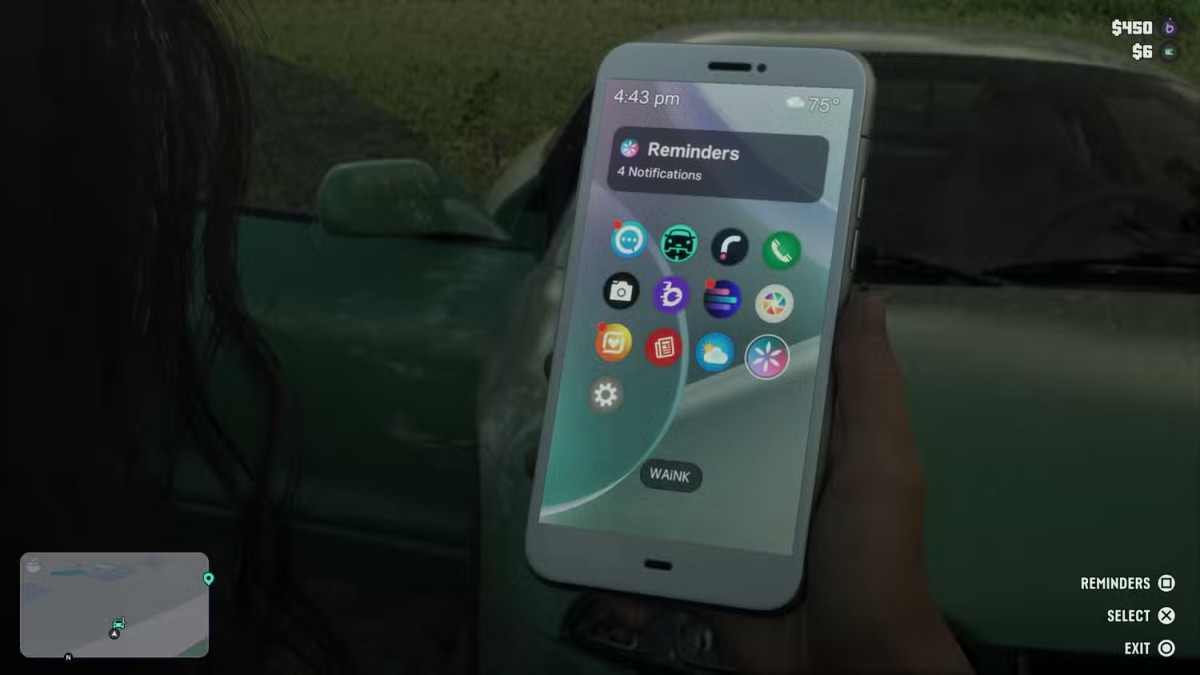
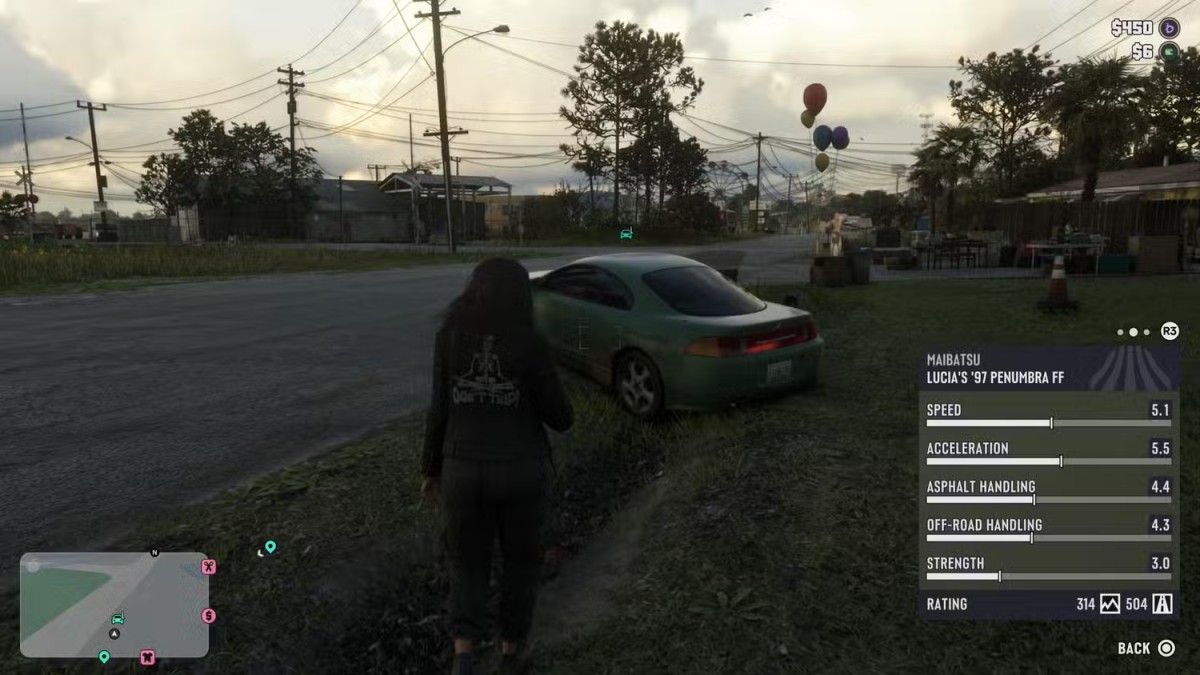
You can check vehicle stats using the WAiNK app on your phone. Open the app, then highlight a vehicle by holding R1/RB. This will display three categories of information, which you can switch between by pressing R3:
|
Protection & Price |
Further Details |
Vehicle Stats |
|---|---|---|
|
Access (locked or unlocked) |
Vehicle Type |
Speed |
|
Security (alarmed or not alarmed) |
Era |
Acceleration |
|
Tracker |
Seats |
Asphalt Handling |
|
Sell Value |
Storage |
Off-Road Handling |
|
Cost to Register |
Body Condition |
Strength |
|
Specialist |
You won't be able to view the third category, Vehicle Stats, until you break into the car and start its engine. Until then, you'll only have access to the first two categories. Even so, you can still get a good idea of whether a vehicle is worth stealing by checking its sale value, registration cost, and type.



Comments