Some shops and services in GTA 6 require you to have a bank account. Fortunately, opening one is simple and tied to story progression. Below, we'll explain when you can get a bank account in GTA 6 and how to use ATMs, deposit money into Family Savings, and manage your funds.
How to Get a Bank Account in GTA 6
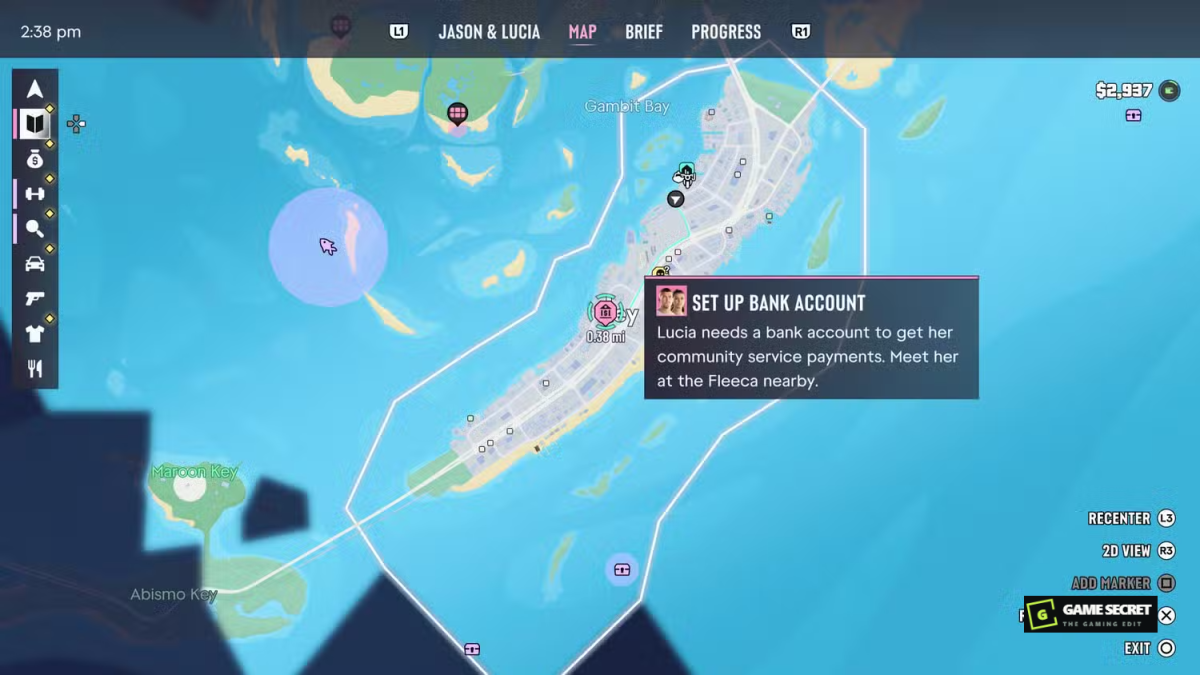
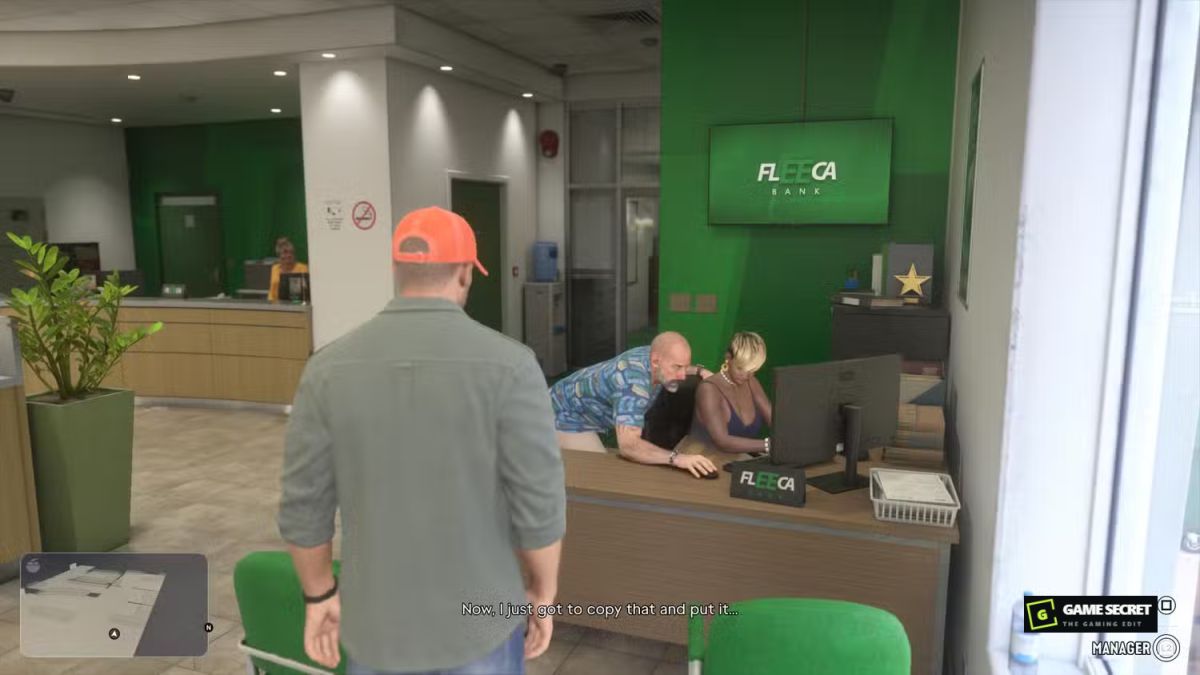
You can open a bank account during the Buck Me story mission in Chapter 1, which becomes available after Jason reunites with Lucia. The mission is straightforward: simply enter the Fleeca Bank branch and speak with the manager to open an account. This also unlocks the BuckMe app on Jason's phone.
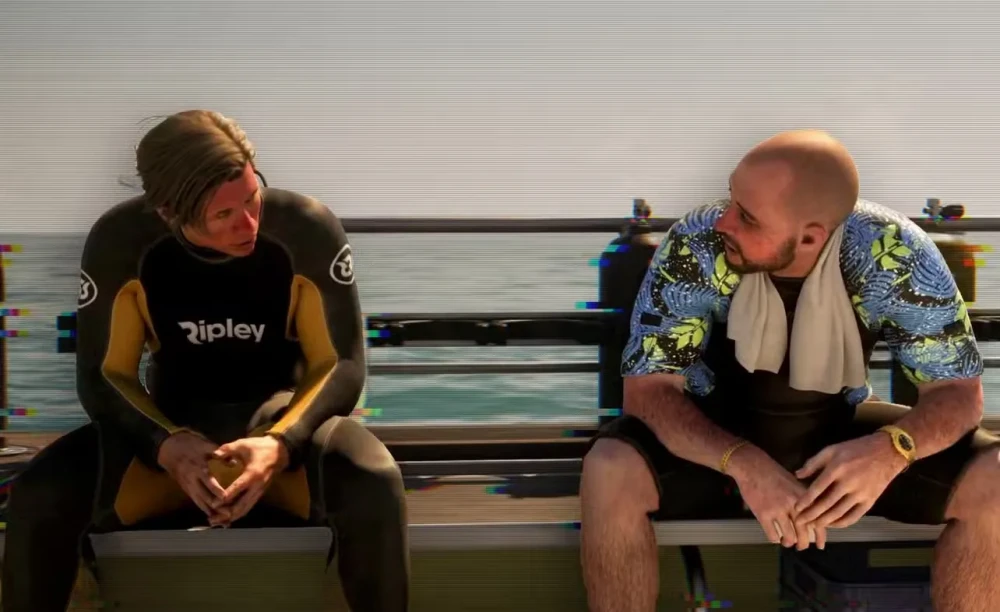
During the conversation, Jason can either remain silent or tell Lucia that he has some money saved. Choosing to tell her about his savings has a positive effect on their relationship.
How to Use the BuckMe App (& Deposit/Withdraw Cash)
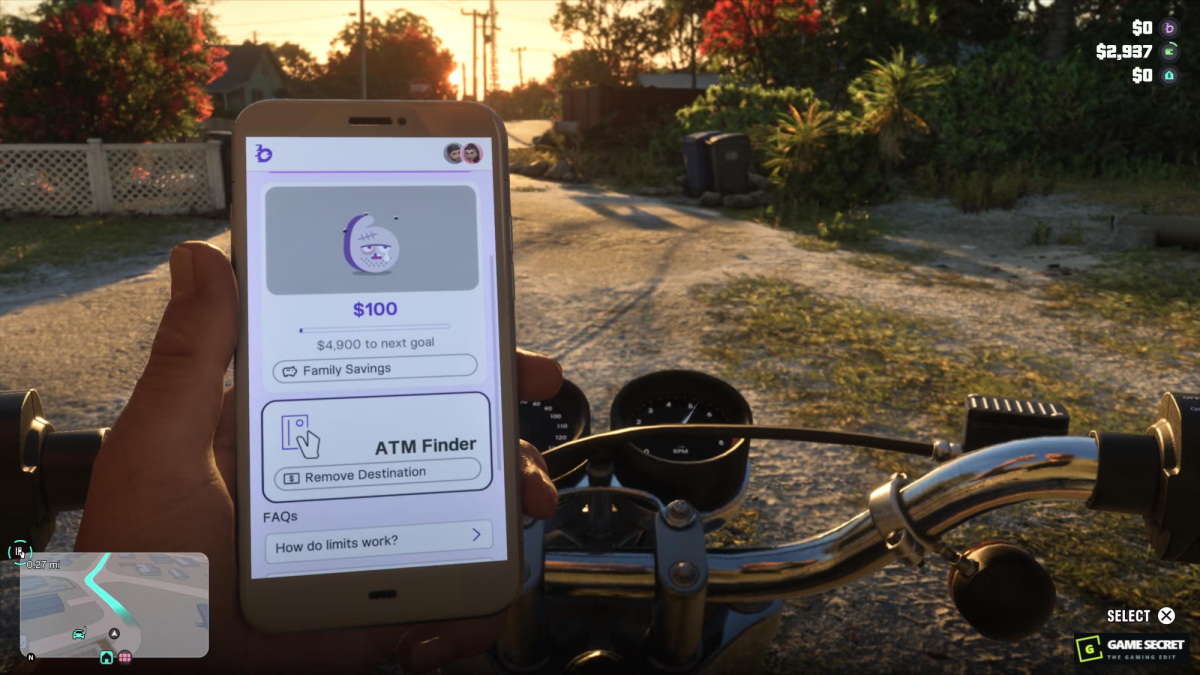
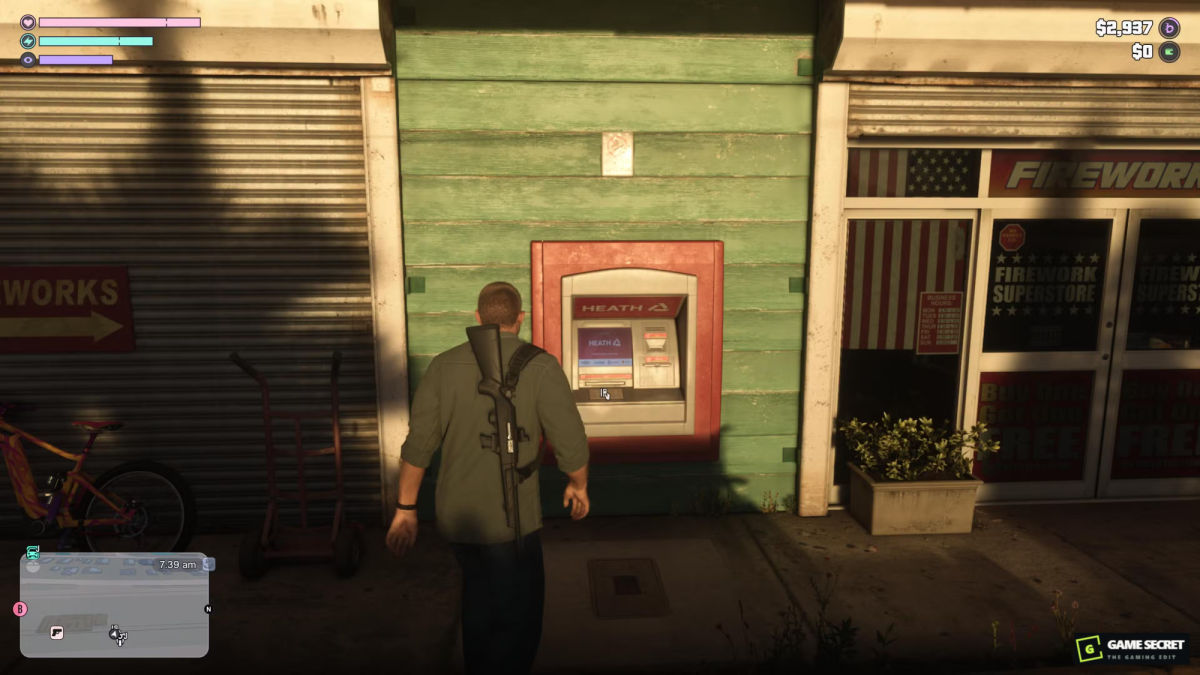
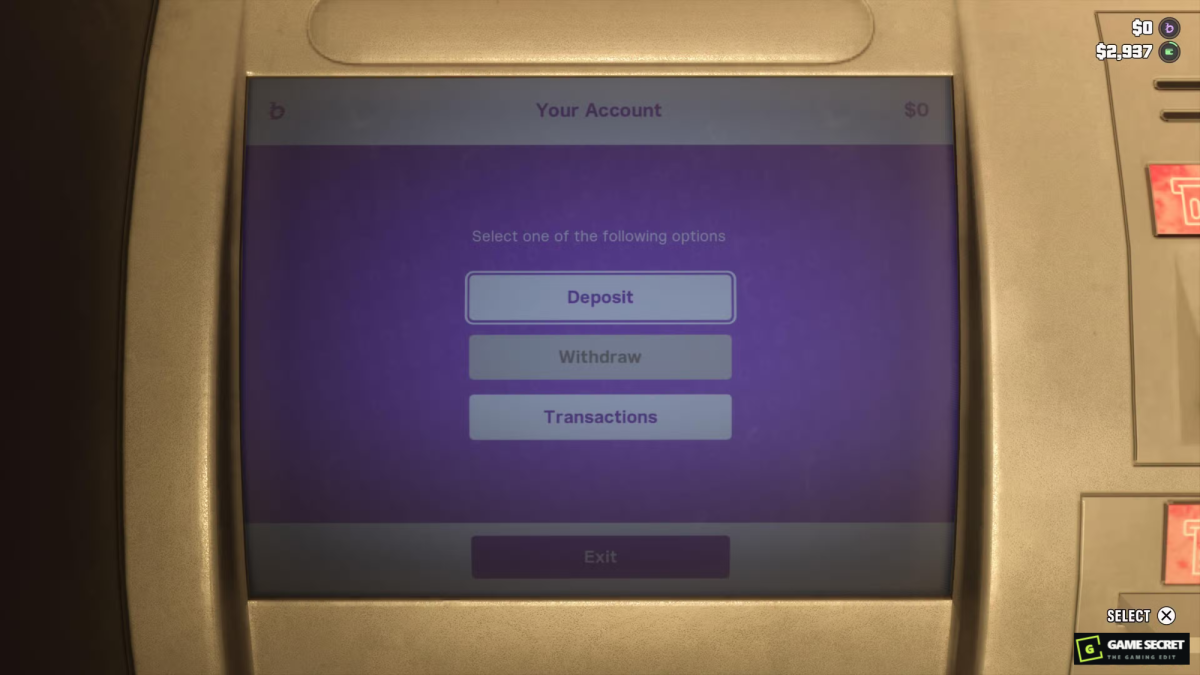
Your BuckMe account allows you to safely deposit and withdraw cash at ATMs. If you're arrested or killed while carrying cash, you'll lose whatever money you have in your pockets. That's why it's a good idea to use the ATM Finder feature after opening your account, locate a nearby ATM, and deposit your money for safekeeping.
The BuckMe app also has a Family Savings section where Jason and Lucia can put money aside. The first savings goal is $5,000. However, you don't need to rush to reach it, as each goal is tied to future chapters of the story.
Keep in mind that money deposited into Family Savings becomes unavailable for regular spending. There is no way to withdraw it once you've deposited it.
How to Upgrade Your Checking Account Limit in GTA 6
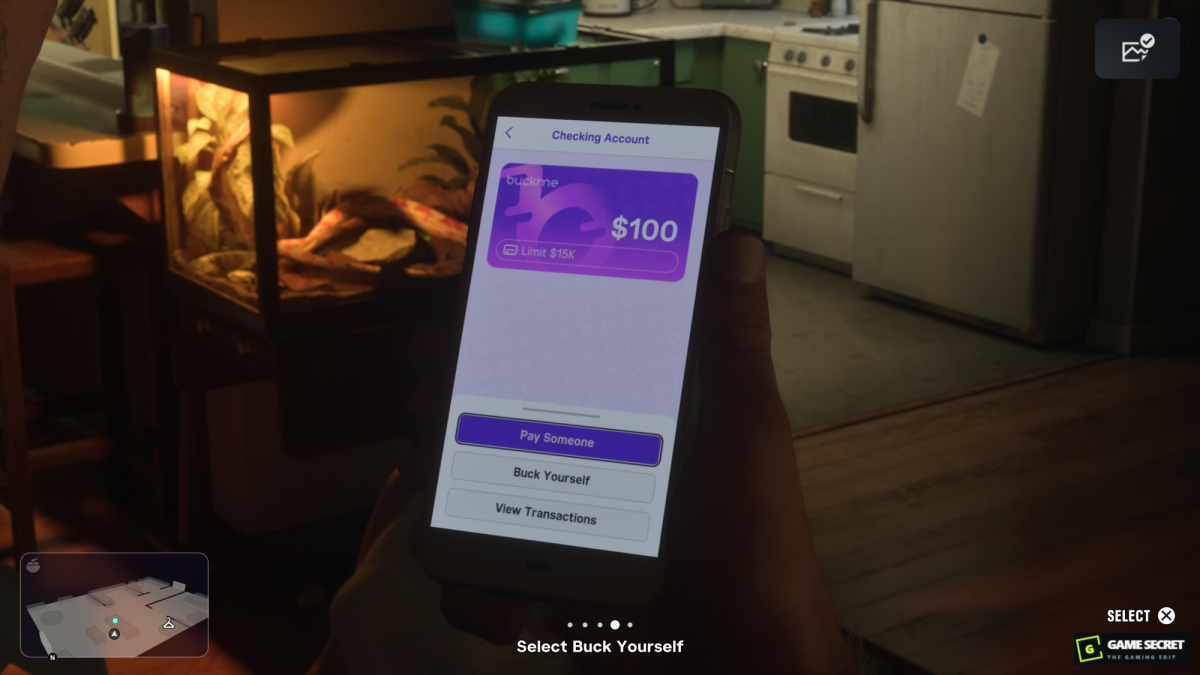
Your BuckMe checking account has an initial limit of $15,000, so you may want to upgrade it if you plan to store larger amounts of money.
Unfortunately, increasing this limit is tied to story progression. Keep completing main missions, and you'll eventually receive notifications in the app about an available upgrade package.
Comments