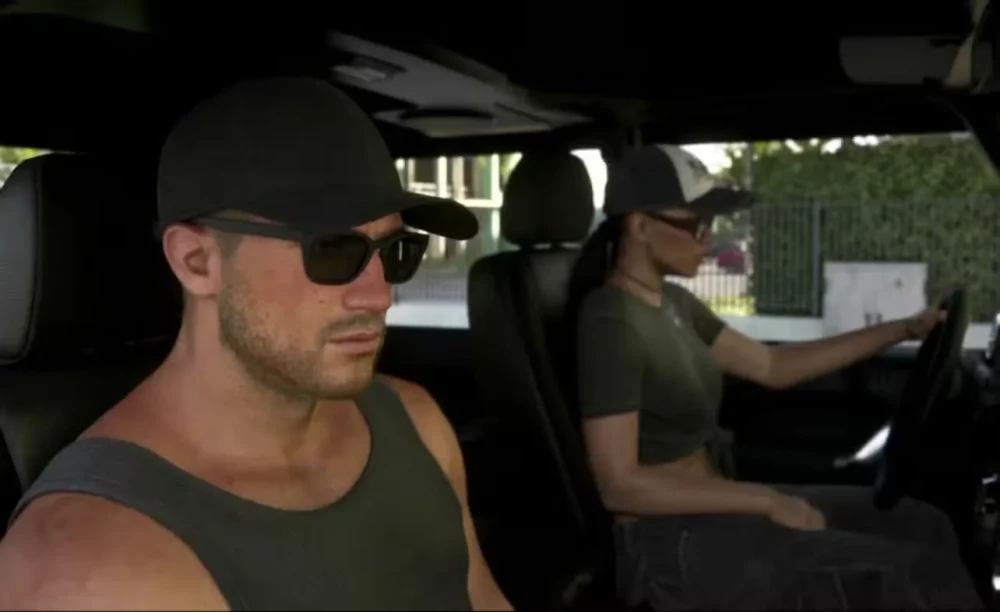
Once players unlock the ability to switch freely between Jason and Lucia in GTA 6, they can ask their partner to drive while they sit in the passenger seat. This lets you travel to any destination without having to drive yourself or pay for a taxi.
However, the game doesn't explain this mechanic directly, leaving players to discover it on their own. If you'd rather relax in the passenger seat while Jason or Lucia takes you wherever you need to go, here's how to do it.
How to Have Jason or Lucia Drive for You in GTA 6
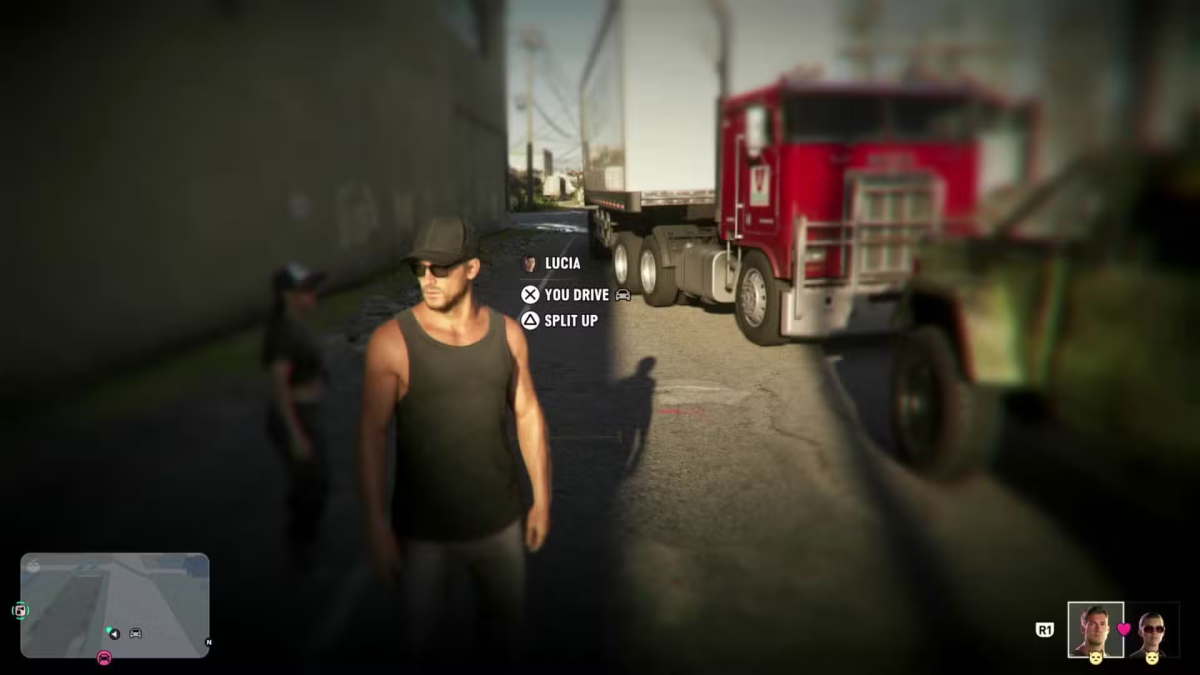
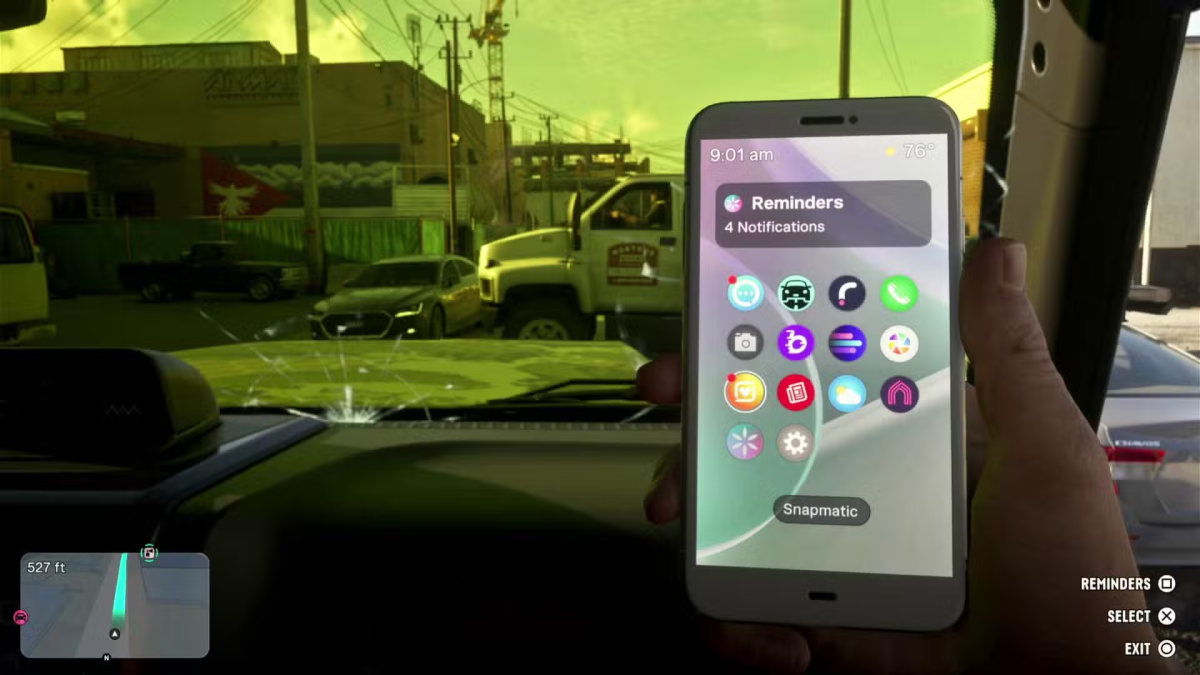
If you're playing as Lucia, you can ask Jason to drive, and if you're playing as Jason, Lucia can take the wheel. Outside of solo missions, your partner will always agree to drive when asked.
For example, let's say you want Lucia to drive while Jason sits in the passenger seat. Follow these steps:
-
Summon your personal vehicle to your current location.
-
Press and hold D-Pad Right to open the partner interaction menu, then press Triangle/Y to select Meet Up and bring both characters together.
-
Switch to the character you want behind the wheel. In this example, switch to Lucia.
-
Enter the vehicle. Your partner will get into the passenger seat.
-
Open the map and place a marker at your desired destination.
-
Switch to the character sitting in the passenger seat, which is Jason in this example.
-
Lucia will immediately start driving toward the marked destination.
Alternatively, you can use a quicker method. While both characters are together, press and hold D-Pad Right, then press X/A to select You Drive. If you're playing as Jason, Lucia will get into the driver's seat and wait for him to join her in the passenger seat.
Both methods allow your partner to drive without requiring any further input from you. You can change your destination whenever you want by placing a new custom marker on the map or selecting a mission or activity. Your partner will immediately change direction and head toward the new destination.
This mechanic works with any vehicle that has a passenger seat, including cars, motorcycles, and even boats. However, be careful when traveling by boat. The driving AI doesn't properly account for other vessels in the water and may ram into them if they get in the way.
Should You Use Auto-Drive Instead?
In most situations, I prefer letting Jason or Lucia drive rather than using Auto-Drive, provided the circumstances allow it. The main reason is that Auto-Drive locks you into cinematic mode, preventing you from interacting with anything or doing much beyond listening to the radio.
When your partner is driving, you can still use your phone to take pictures with Snapmatic, enjoy unique interactions as Jason and Lucia comment on things around them, maintain their relationship, and listen to the radio.
How to Get Jason or Lucia to Drive Faster?
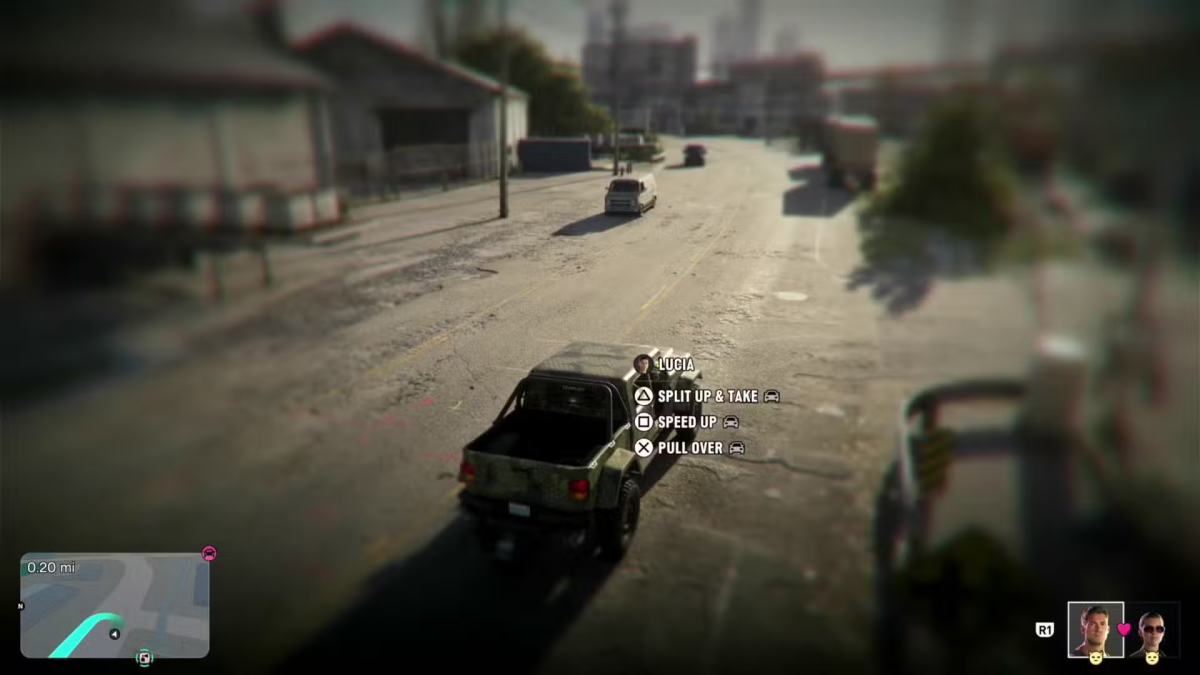
If you're sitting in the passenger seat, you can ask your partner to drive faster. Press and hold D-Pad Right, then press Square/X. Your partner will then drive as fast as possible without following the usual rules of the road.
I've found this can actually be faster than driving yourself. Your partner uses an aggressive driving style designed to get you from point A to point B as quickly as possible without causing too many crashes.
How to Stop the Vehicle When Someone Else Is Driving
To stop the vehicle, press and hold D-Pad Right, then press X/A to ask your partner to pull over.
Alternatively, you can simply switch back to the character in the driver's seat and stop the vehicle yourself.
Comments