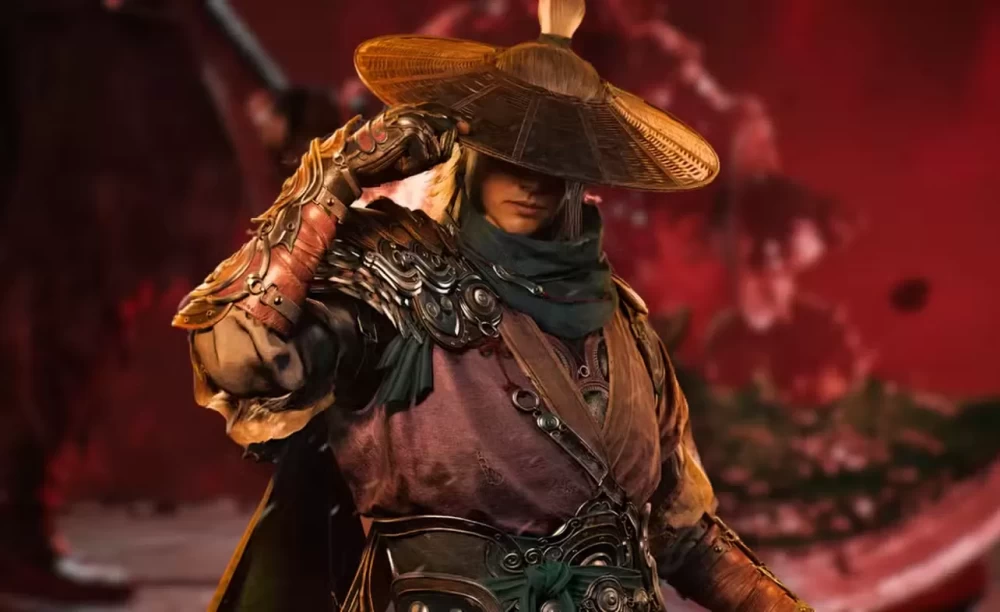
Players who preordered Phantom Blade Zero or purchased the Deluxe Edition may be wondering how to claim and equip their bonus items for Soul. These rewards include exclusive outfits, an in-game accessory, a digital art book, and original soundtracks (OSTs). Here's how to access your preorder and Deluxe Edition bonuses and when you can start using them.
How to Claim Deluxe Edition & Preorder Bonus in Phantom Blade Zero
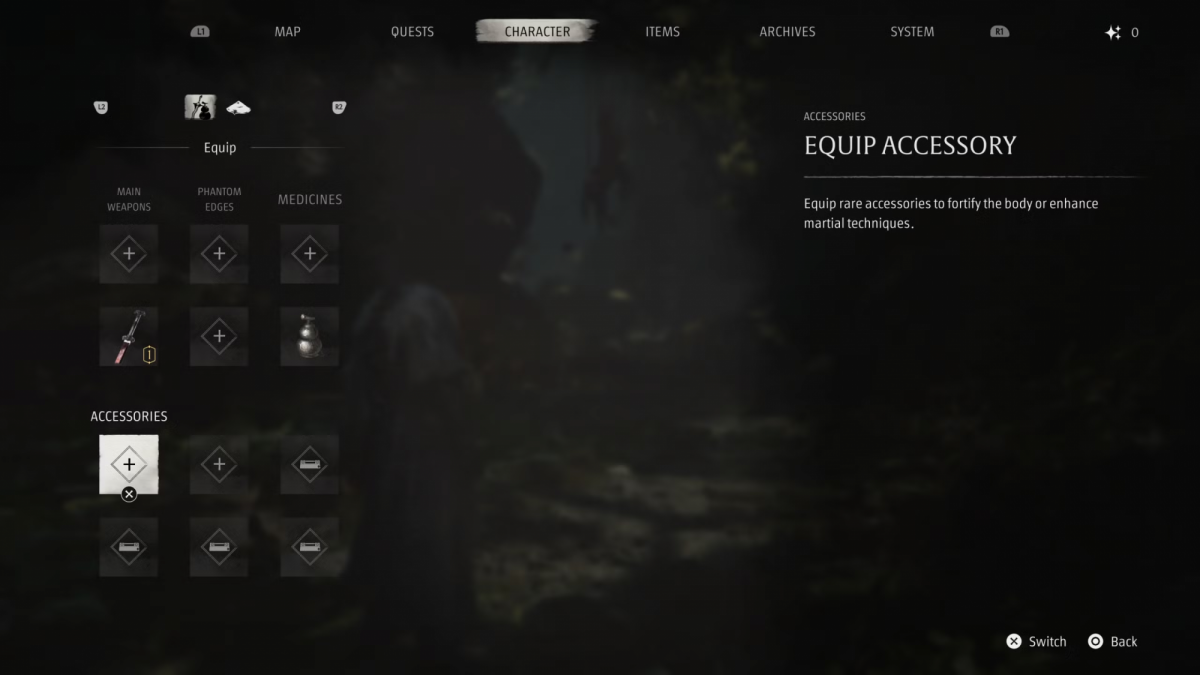
Players can equip their preorder and Deluxe Edition bonus items shortly after completing the prologue in Phantom Blade Zero.
After finishing the horse cart chase sequence at the beginning of the game, Soul will wake up in Weeping Creek Valley, the first region you'll explore. Once you regain control of the character, open the map menu and switch to the Character tab.
At the bottom of the menu, you'll find the accessory slots. This is where you can equip Treasure Basin, an accessory that increases the amount of Remnant Dust, the game's main currency, you collect by 10%. Players who didn't preorder the game can also obtain the Treasure Basin accessory by following the relevant in-game method.
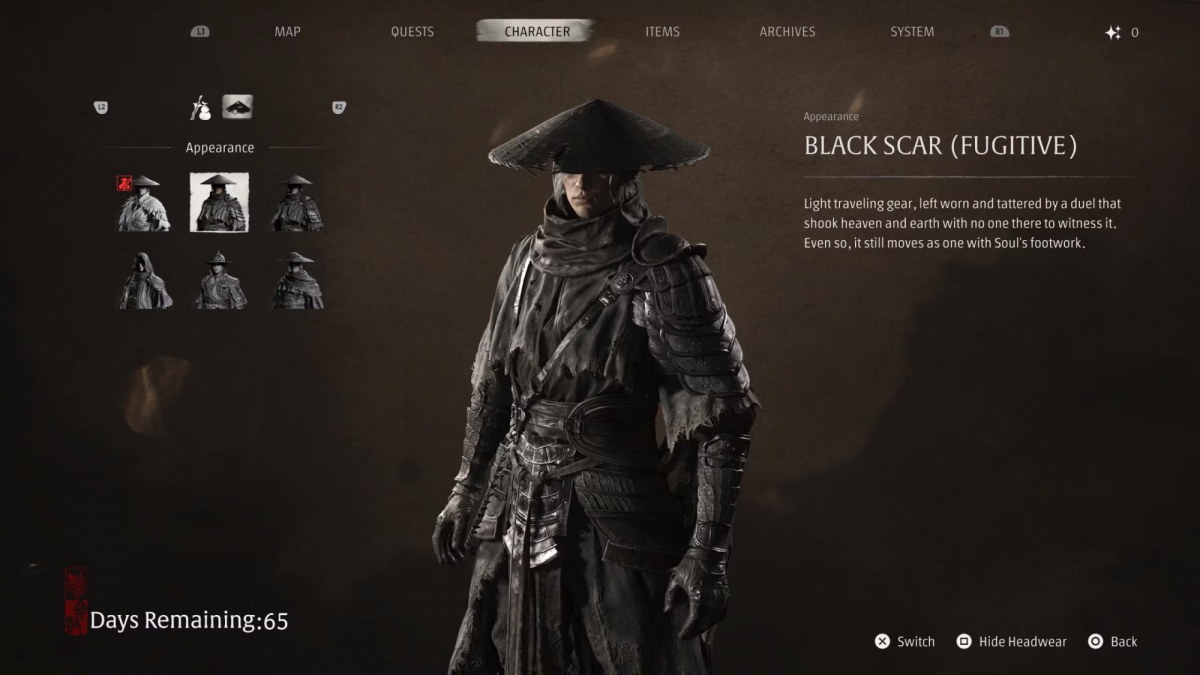
To equip your preorder or Deluxe Edition outfits in Phantom Blade Zero, switch to the Appearance category within the Character tab. From there, you can choose a different outfit and toggle the headgear associated with it on or off.
Players who preordered the standard edition of Phantom Blade Zero will receive the Legacy Outfit. This outfit is normally unlocked by completing the secret ending, but preordering the game lets you access and equip it much earlier in your playthrough.
Those who preordered the Deluxe Edition will receive two additional exclusive outfits: Wulin Legend and Blood-Steel Form, alongside the Legacy Outfit.
Comments