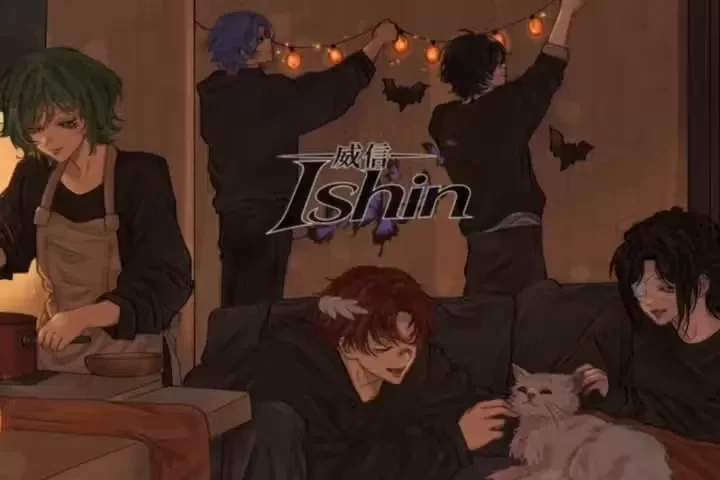
In Ishin, you get to experience everyday student life in a Roblox world filled with classes, plant experiments, different fighting styles, basketball games, and music performances with friends. You can also customize your character, decorate your living space, and develop your own style.
However, buying clothes, furniture, and other customization options requires Yen, while changing your character's appearance and abilities can take several Rerolls. Fortunately, Ishin codes provide free Yen and Rerolls, helping you unlock more customization options without spending as much time grinding.
The developers have released two new codes in 7 November 2026, offering 12,500 Yen and 65 Rerolls in total. Make sure to redeem them before they expire!
All Ishin Codes
Below, you'll find all currently working and expired Ishin codes. Redeem the active ones as soon as possible, since Roblox codes can stop working without much warning.
Working Ishin Codes
|
Code |
Reward |
|---|---|
|
|
12,500 Yen |
|
|
65 Rerolls |
Expired Ishin Codes
The following codes no longer provide rewards:
|
Code |
Previous Reward |
|---|---|
|
|
45 Rerolls |
|
|
12,500 Yen |
|
|
5,000 Yen |
|
|
65 Rerolls |
|
|
40 Rerolls |
|
|
40 Rerolls |
What Do Yen and Rerolls Do in Ishin?
Before redeeming your rewards, it's worth understanding what these two resources are used for.
-
Yen is the main in-game currency. You can spend it on clothes, furniture, and other items to customize your character and living space. Having extra Yen makes it easier to experiment with different outfits and decorate your room early in the game.
-
Rerolls give you additional chances to change your character's customization options, including their face, hair, and outfit. They are particularly useful when you want to try a different appearance without having to start over.
Both rewards make it easier to experiment with different looks and personalize your student life. The new NEWUI code provides a useful currency boost, while STICKERS gives you more opportunities to customize your character.
How to Redeem Ishin Codes
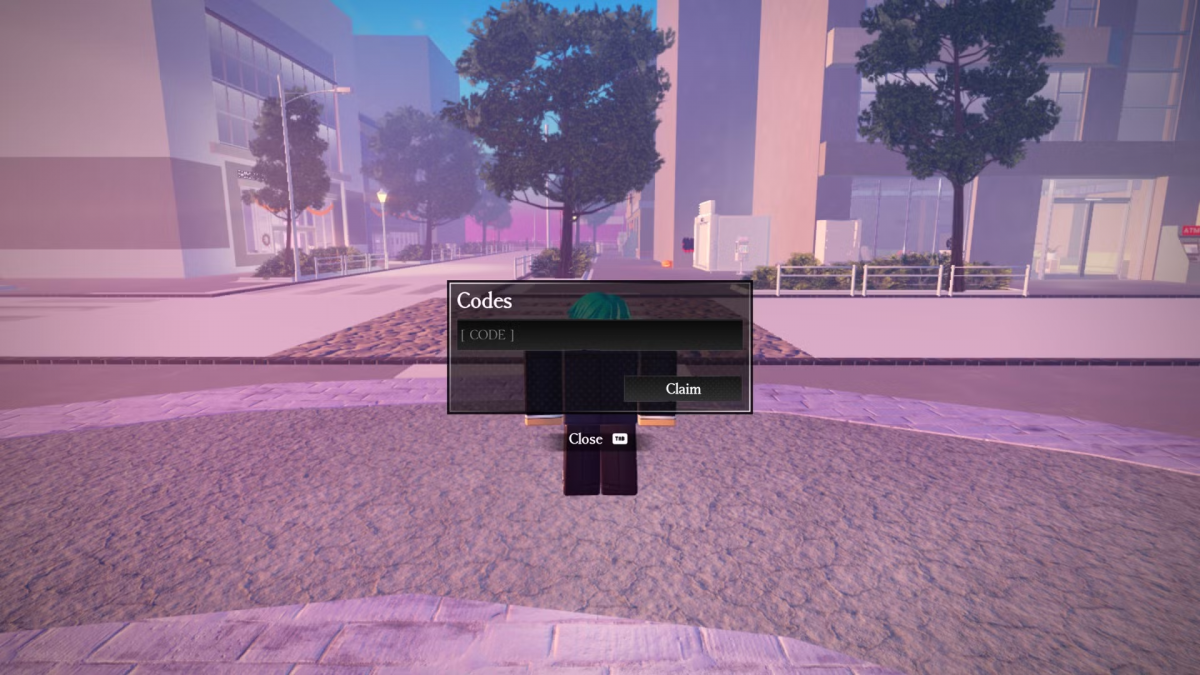
Redeeming codes in Ishin is straightforward. You only need to open the main menu and enter the code you want to claim.
Follow these steps:
-
Launch Ishin on Roblox and join a server.
-
Wait for your character to load into the game.
-
Press the Tab key to open the main menu.
-
Select the Codes button from the available menu options.
-
Enter one of the working codes into the text box.
-
Redeem the code and collect your rewards.
Repeat the process for the remaining active codes.
If a code doesn't work, first check that you entered it correctly. Roblox codes are often case-sensitive, so it's best to copy them directly from the list above. Also make sure you're using a working code rather than one that has already expired.
How to Get More Ishin Codes

If you want to find new Ishin codes as soon as they become available, joining the game's official Discord server is a good place to start.
You can use the following invitation to join the community:
- Official Ishin Discord: https://discord.com/invite/ishin
The developers may announce new codes, game updates, and other rewards through their community channels. Keep an eye on announcements so you don't miss limited-time bonuses.
You can also bookmark this page and check back whenever you need more free Yen or Rerolls. We'll keep the working and expired code lists organized so you can quickly find the latest available rewards.



Comments