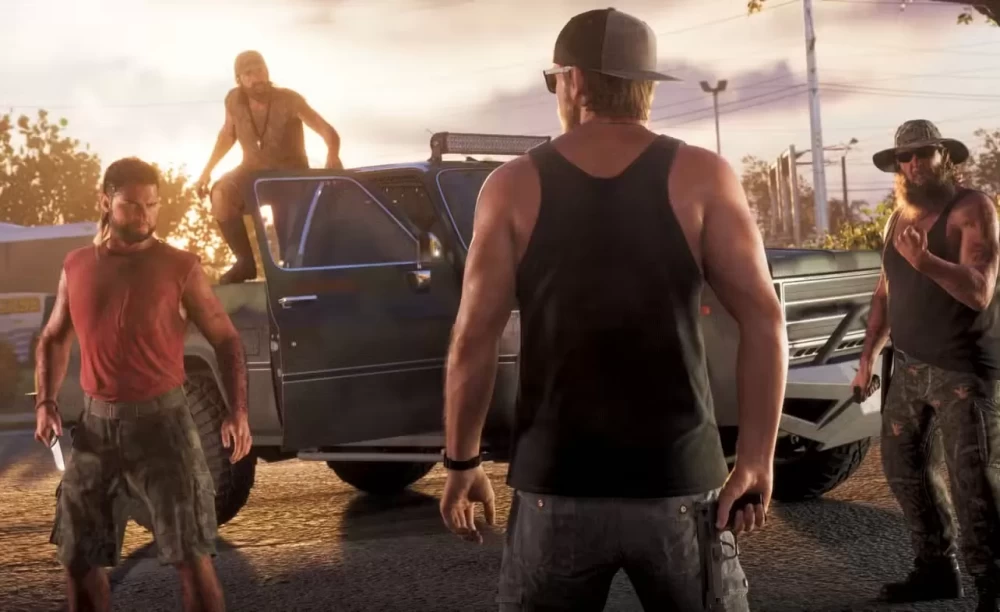
As soon as you gain access to free roam in GTA 6, you'll notice that NPCs are much smarter than those in previous Rockstar games. If you want to stay out of trouble, you'll need to watch your manners. Walking down the street with an assault rifle in your hands can have serious consequences.
Fortunately, the game gives you ways to look more like an ordinary citizen and keep your criminal activities under wraps. Holstering your weapon is one of the easiest ways to avoid unwanted attention. Once you're done with combat, you can put your weapon away to avoid alarming nearby NPCs.
How to Holster Your Weapon in GTA 6
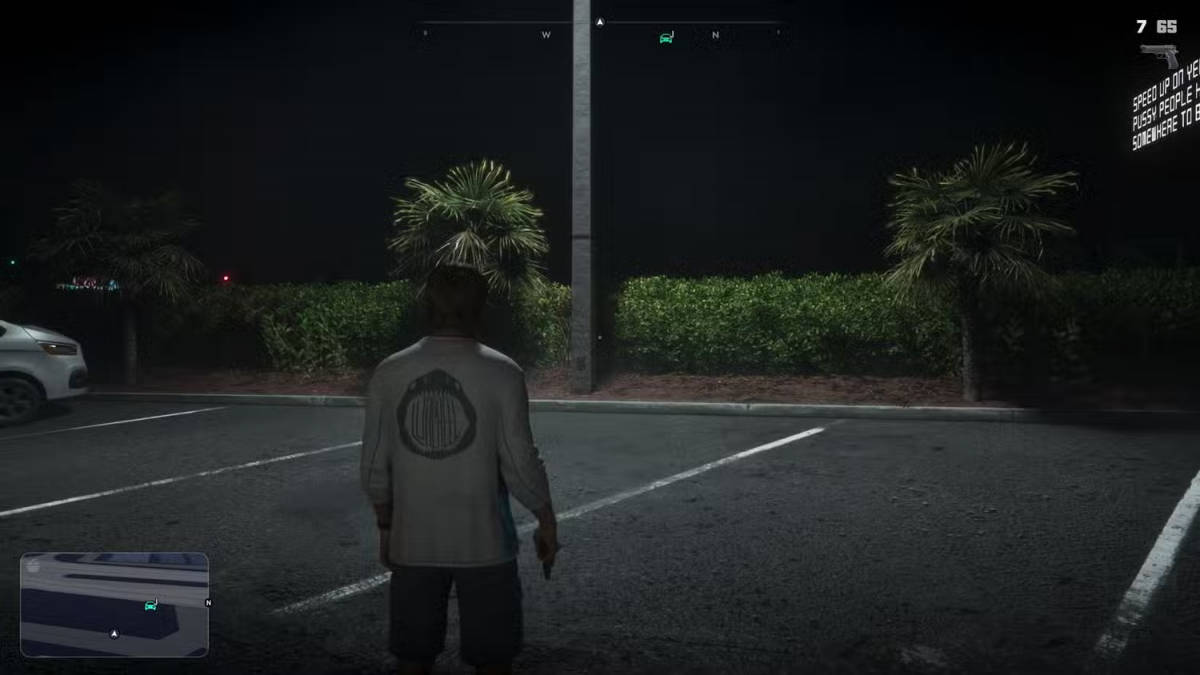
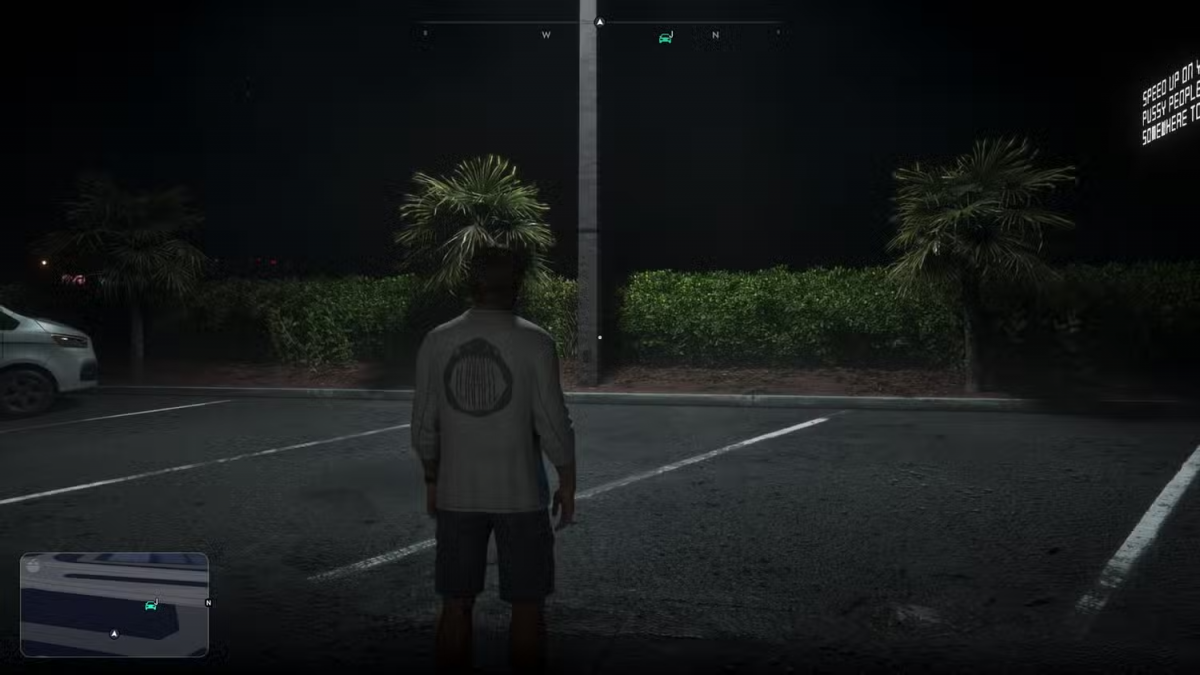
Whether you're on foot or inside a vehicle, you can press L1 or LB to holster your weapon. Pressing the same button again will draw that weapon.
The good news is that the game automatically holsters your weapon whenever you enter a vehicle. However, if you prefer to control this yourself, open Settings and navigate to the Gameplay tab. Under the Combat section, you'll find the Holster in Vehicle option. Set it to Manual, and you'll be responsible for holstering your weapon while driving.
Holstering sidearms might not be particularly important, as your characters can conceal them close to their bodies, making them harder for NPCs to notice. However, larger firearms, such as shotguns and assault rifles, should be holstered. Otherwise, NPCs may become alarmed and call the police.
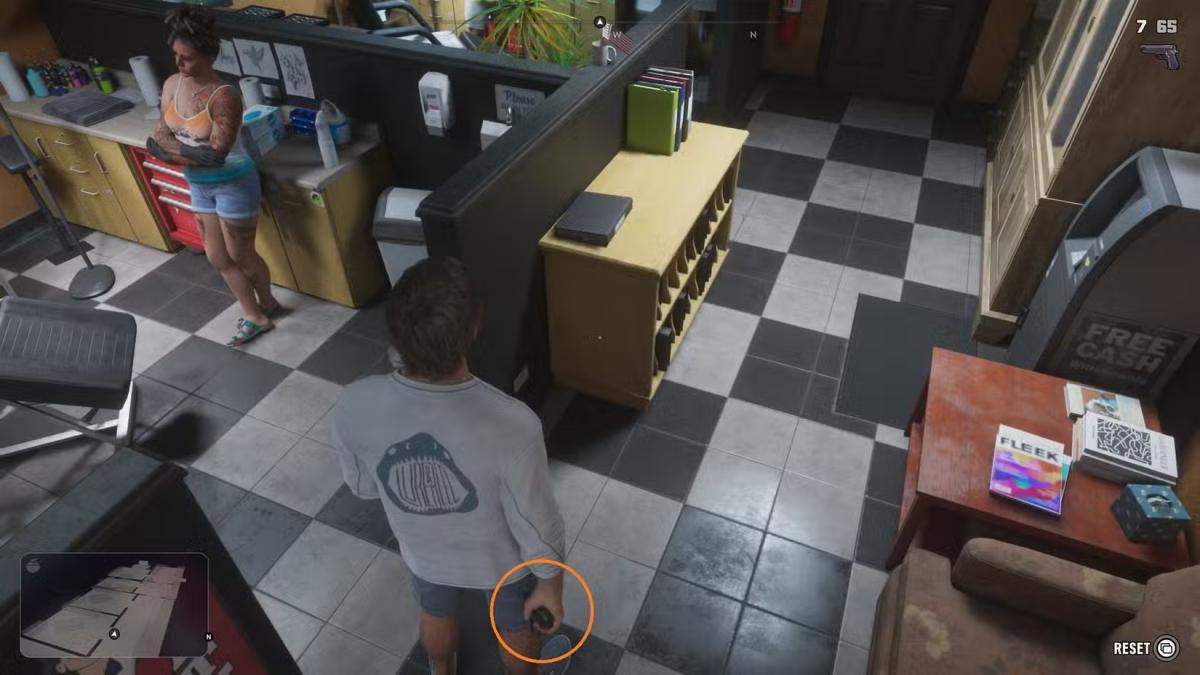
When driving, you can check whether your weapon is holstered by looking at the top-right corner of the screen. If it's drawn, you'll see the corresponding weapon icon along with its ammunition count. Once you holster it, the icon will disappear.
Comments