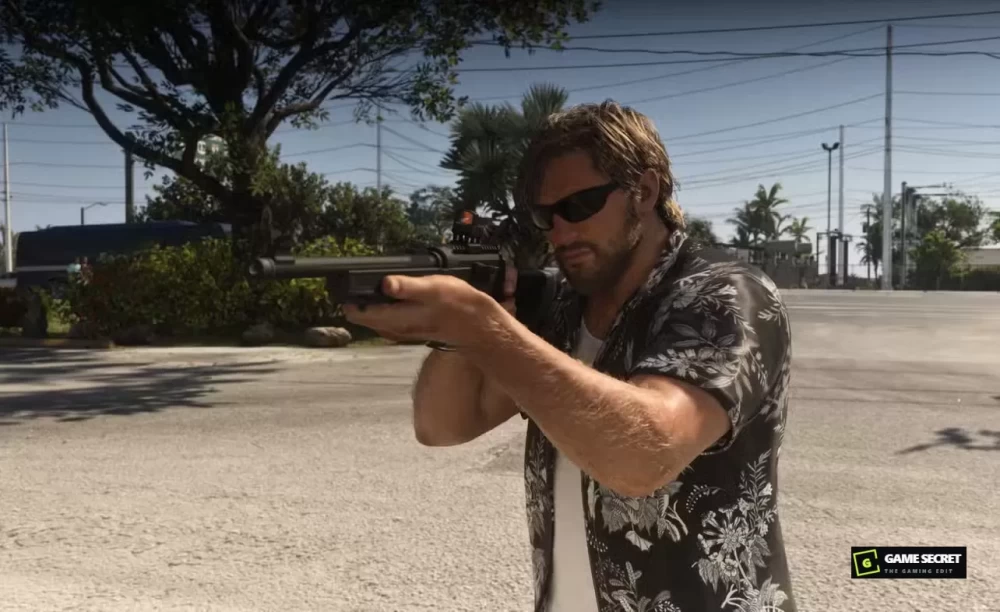
Aiming in GTA 6 might feel a little different from what you've been used to over the past 13 years. Unlike GTA 5 and Red Dead Redemption 2, Grand Theft Auto 6 doesn't feature a traditional first-person camera mode. However, that doesn't mean the perspective is completely unavailable. If you want to improve your shooting accuracy, you can enable a hidden first-person aiming mode, which we'll explain below.
Unfortunately, there are no cheat codes that unlock a fully-fledged first-person camera in GTA 6.
How to Enable First-Person in GTA 6
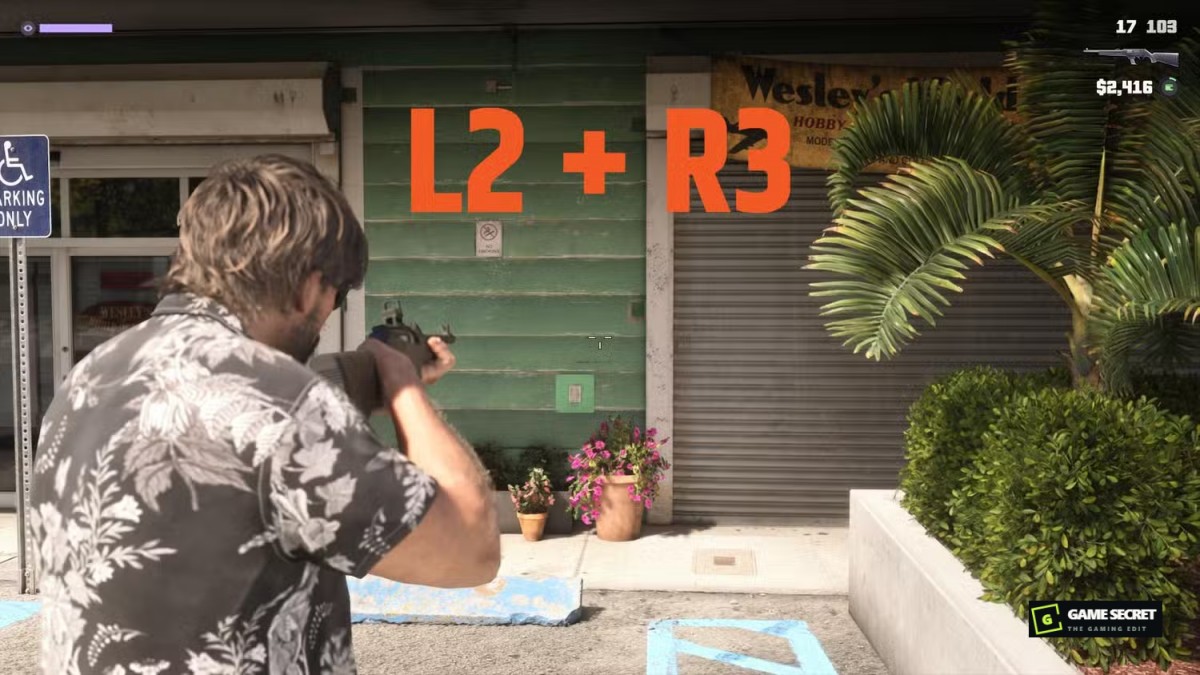
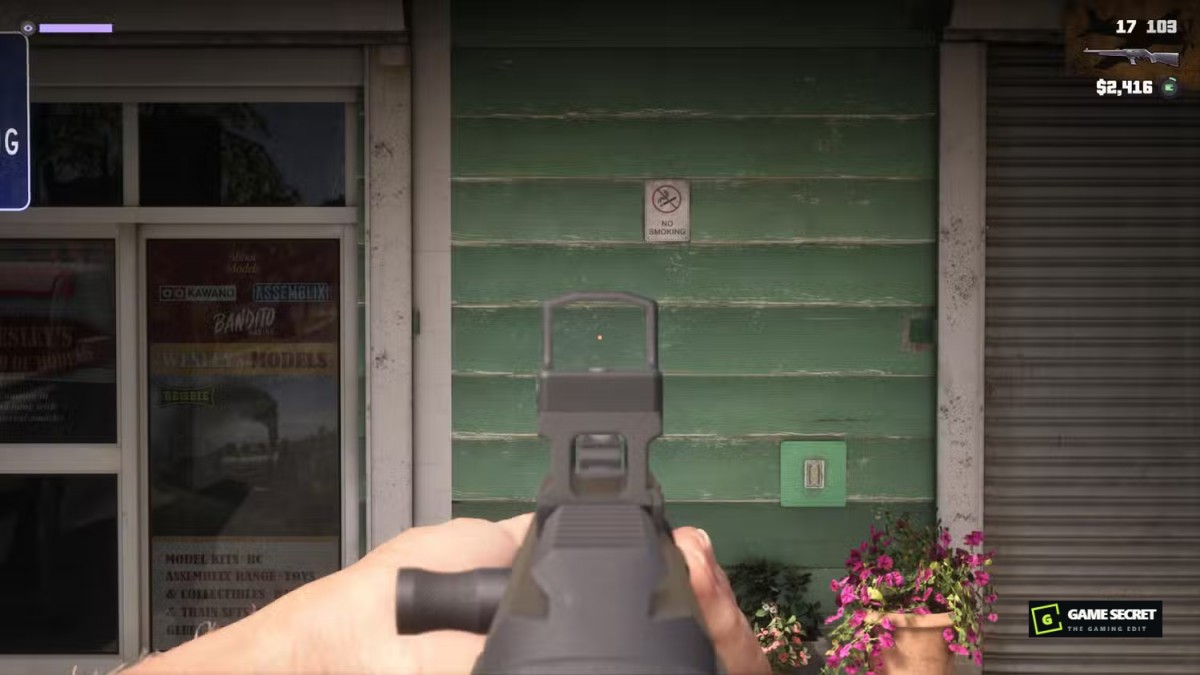
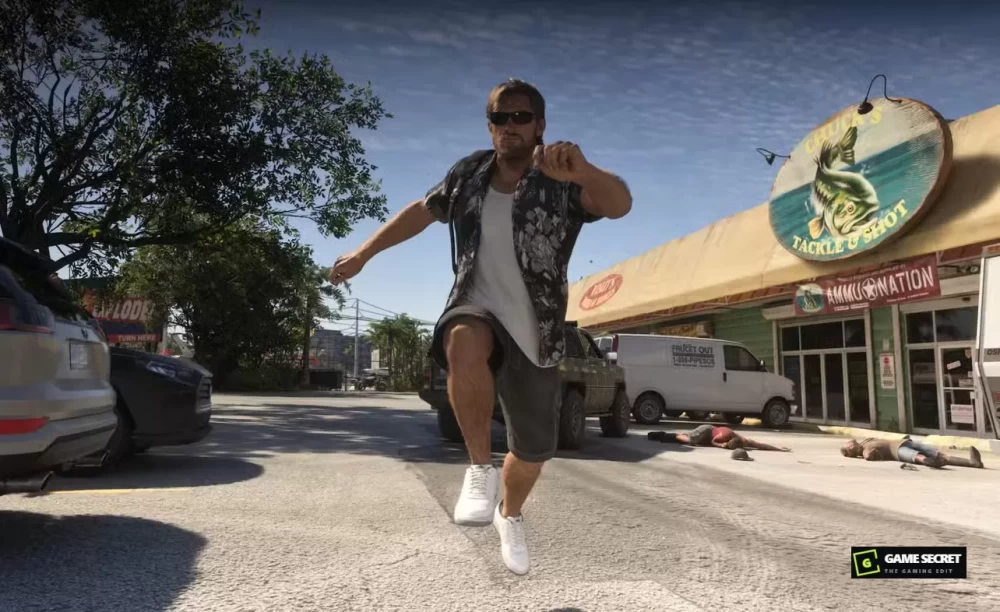
To use first-person aiming, you need a weapon equipped with a scope. You can purchase scopes for your weapons at any Ammu-Nation store. Talk to the clerk and select an Optic from the Attachments menu for your chosen weapon.
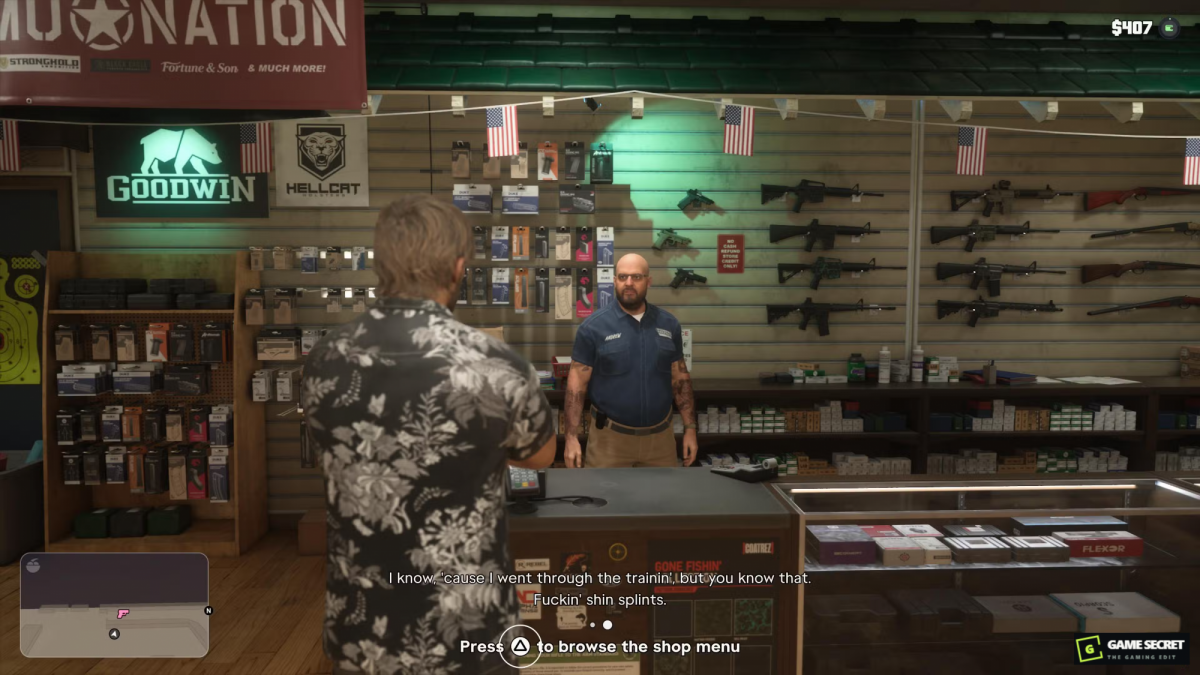
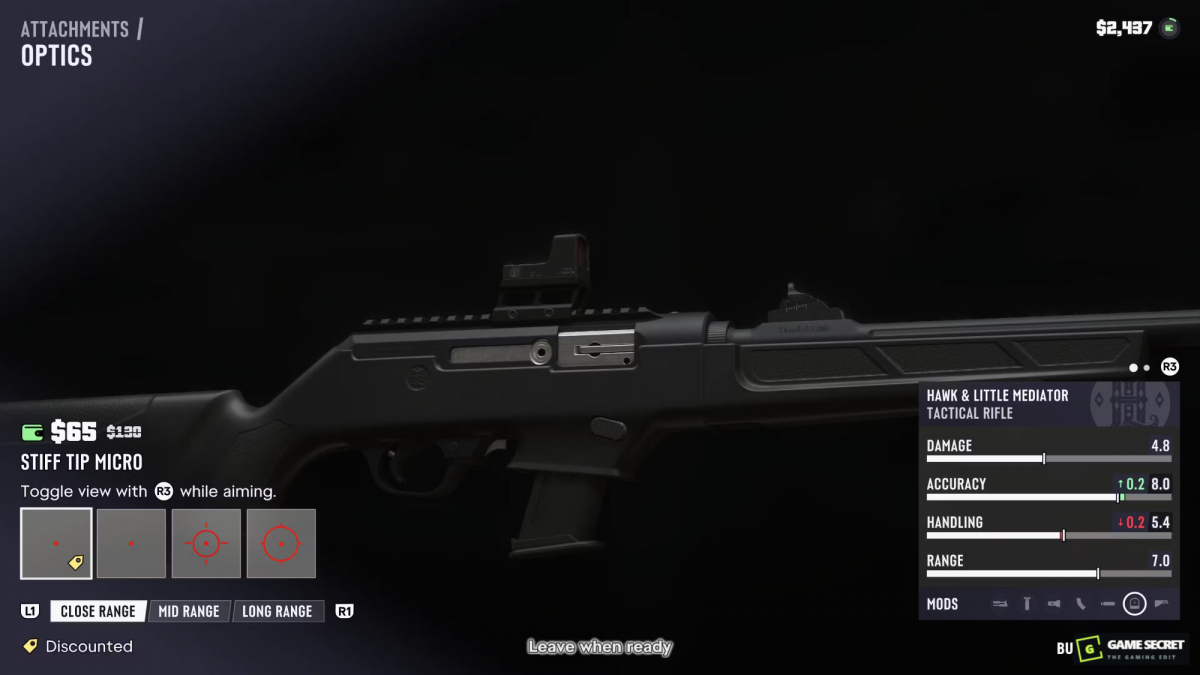
Once your weapon has an optic attached, aim by holding L2 and press R3 to switch to first-person. This allows you to aim more precisely, but you won't be able to walk around in this perspective. The mode is strictly intended for lining up accurate shots against targets.
There is also a small trick that lets you drive from a first-person perspective. While inside a vehicle, hold Up on the D-Pad to open your phone. This switches the camera to first-person. Your phone will partially block your view, but you can technically use this trick to drive in first-person.
A fully-fledged first-person mode could potentially arrive in a future update or with the PC release of GTA 6. However, Rockstar has not officially confirmed that such a feature is planned.

Comments